

Intro In today’s digital landscape, websites have become prime targets for automated bots—ranging from legitimate...
Website and Server Security Solutions
Our Website and Server Security Solutions mitigate unwanted bots and IP threats, providing protection optimized for your online services

Our Mission & Values
At Boteraser.com, our mission is to provide top-tier website and server security solutions that help businesses manage online risks. We prioritize integrity, innovation, and customer focus. Our services let you monitor and support your website and server security, helping reduce unwanted bot and IP activity. With Boteraser, you get more than a tool—you get a trusted partner.
0
+ Innovations
Boteraser helps enhance website and server security by filtering harmful bots, blocking unwanted IPs, and reducing automated attacks, supporting site speed, security, and accessibility. With continuous updates and monitoring, it helps keep your security measures up to date and manage unwanted bot and IP activity.
0
+ Achievements
With Boteraser, your website and server security is strengthened by reducing unwanted bot activity and harmful IPs, while supporting legitimate user access and maintaining performance. Its real-time filtering and simple setup provide tools to help manage online security and limit unwanted bot and IP activity.
0
+ Reasons
Boteraser offers numerous ways to help protect your website and server security by reducing unwanted bot activity, harmful IPs, and automated attacks. These threats can affect site performance, compromise data, and impact reputation, but Boteraser provides tools to help address them. Real-time filtering supports legitimate user access, while easy setup and continuous updates assist in managing security and mitigating unwanted bot and IP activity.
0
+ Milestones
At Boteraser, we believe every website deserves a safer online environment. We help protect your website and server security by reducing unwanted bot activity, harmful IPs, and unwanted traffic. By supporting legitimate user access and assisting in maintaining site performance, Boteraser provides tools to help manage security challenges with real-time monitoring, easy setup, and continuous updates.

Bot Blocking & Mitigation
Help reduce unwanted bot traffic, support website performance, and assist in protecting sensitive user data with our advanced bot blocking service.

DDoS Protection Service
Help maintain website availability during attacks, reduce downtime, and support reliable, uninterrupted service quality with our DDoS mitigation solutions.
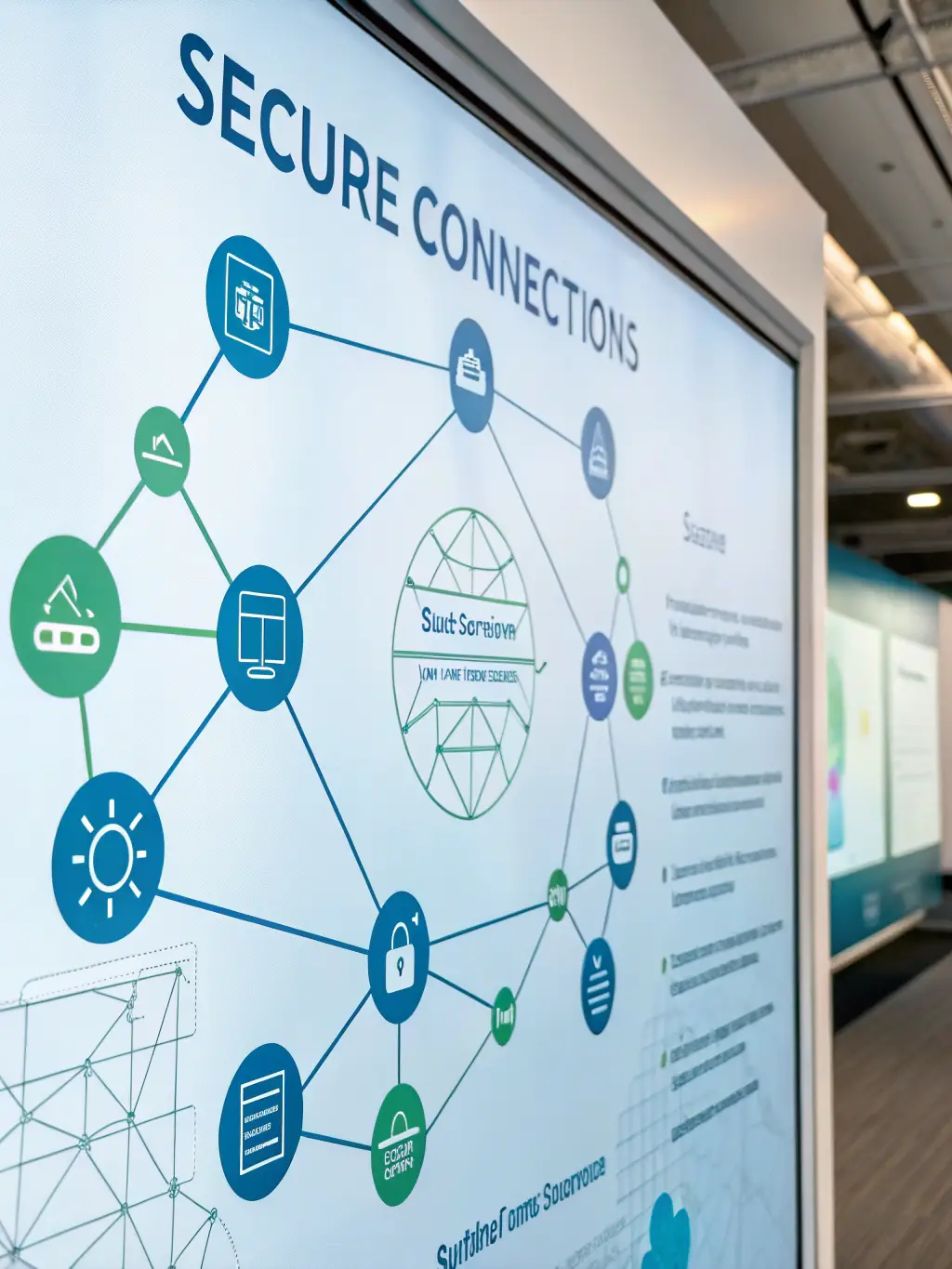
API Security & Traffic Filtering
Help protect your APIs from abuse, manage API traffic, and support reliable compliance with our API security and traffic filtering solutions.

WordPress Security Plugin
Easily install our WordPress plugin to help reduce bot activity, support site security, and receive regular updates and ongoing support for your WordPress site.
Why Boteraser is the Best Choice for Your Business
At Boteraser, we believe every website deserves a safer online environment. We help enhance website and server security by reducing unwanted bot activity, harmful IPs, and unwanted traffic that can negatively impact your site and reputation. By supporting legitimate user access and helping maintain performance, Boteraser provides tools to assist in managing website and server security challenges related to unwanted bots and IPs.

Expertise and Innovation
Boteraser is dedicated to addressing emerging cybersecurity threats. Its solutions are continuously improved to help enhance security and support businesses in managing evolving risks, providing reliable tools

Robust Security Solutions
We offer a comprehensive suite of security services, including bot blocking, DDoS mitigation, and API security. Our solutions are designed to help address a wide range of online threats and support a more secure online environment

Customer Satisfaction
We prioritize customer satisfaction and aim to provide responsive support to our clients. Our support team is available to assist with questions or concerns, helping ensure a smooth and positive experience with our services.

Advanced Bot Blocking
Our advanced bot blocking service blocks unwanted bots and automated attacks, helping protect your website and support security and performance

DDoS Attack Mitigation
We provide robust DDoS protection, mitigating large-scale distributed denial-of-service attacks to maintain your website’s availability and service quality.

API Security Solutions
Secure your APIs with traffic filtering, rate limiting, and authentication, helping significantly reduce malicious abuse and protect sensitive data effectively.
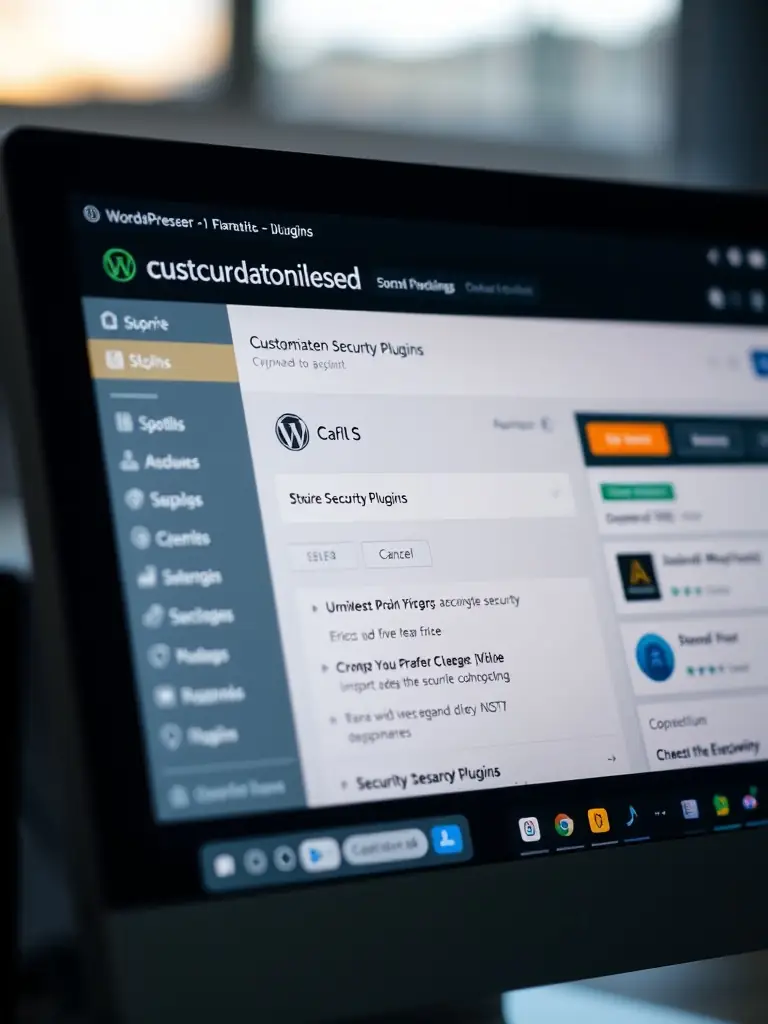
WordPress Plugin
Integrate our WordPress plugin seamlessly to help effectively block malicious bots and better protect your WordPress site against evolving automated threats.
Choose Your Plan
Choose the cybersecurity plan that best fits your needs. All subscriptions are securely processed via Paddle.com

STANDARD MONTHLY
Helps enhance your website’s security by helping reduce the impact of unwanted bots, suspicious IPs, and automated attacks, with a 7-day free trial and 14-day money-back guarantee for peace of mind
$20/month
PRO MONTHLY
Unlocks advanced tools to help monitor and reduce unwanted bots and IP threats, billed monthly, with a 7-day free trial and 14-day money-back guarantee, keeping your site more secure
$30/month
ULTRA MONTHLY
Extends PRO-level filtering network-wide with a dedicated device and JA4 TLS fingerprinting, billed monthly, with a 7-day free trial and 14-day money-back guarantee, protecting every device on your network
$40/month
STANDARD ANNUAL
Delivers year-round continuous protection, billed annually, with a 7-day free trial and 14-day money-back guarantee, designed to help minimize unwanted bots, suspicious IPs, and automated attacks
$149/year
PRO ANNUAL
Annual protection with premium support, including a 7-day free trial and a 14-day money-back guarantee, designed to help reduce the impact of unwanted bots, IP-based attacks, and other automated threats.
$249/year
ULTRA ANNUAL
Delivers network-wide protection for every device on your LAN, billed annually, with a 7-day free trial and 14-day money-back guarantee, powered by JA4 TLS fingerprinting and priority support
$349/year

Boteraser WordPress Plugin (latest)
Enhance protection for your WordPress site against bots, scrapers, and online attacks with the Boteraser plugin.
DISCLAIMER: This is powerful security software that runs with elevated privileges and modifies your system. It is provided “AS-IS” and “AS-AVAILABLE” without warranty of any kind, express or implied, including but not limited to the warranties of merchantability, fitness for a particular purpose, or non-infringement. Your use of the software is at your own risk. By downloading, installing or using this software, you agree to our Terms of Service and Privacy Policy.
Download now to better manage threats and maintain a safer digital presence.
DISCLAIMER: This is powerful security software that runs with elevated privileges and modifies your system. It is provided “AS-IS” and “AS-AVAILABLE” without warranty of any kind, express or implied, including but not limited to the warranties of merchantability, fitness for a particular purpose, or non-infringement. Your use of the software is at your own risk. By downloading, installing or using this software, you agree to our Terms of Service and Privacy Policy.
Download now to better manage threats and maintain a safer digital presence.

Boteraser Automatic Install Script (latest)
Help protect your dedicated server or VPS from unwanted bots, scrapers, and attacks with our shell install script.
DISCLAIMER: This is powerful security software that runs with elevated privileges and modifies your system. It is provided “AS-IS” and “AS-AVAILABLE” without warranty of any kind, express or implied, including but not limited to the warranties of merchantability, fitness for a particular purpose, or non-infringement. Your use of the software is at your own risk. By downloading, installing or using this software, you agree to our Terms of Service and Privacy Policy.
Run the following command in your terminal to install Boteraser:
curl -fsSL https://github.com/sofset-dev/boteraser/raw/refs/heads/main/be-client-install-script/be-install.sh | sudo bash
curl -fsSL https://github.com/

Boteraser Manual Install
This is a quick manual on how to install and configure the Boteraser client on your server. You must run these steps as the root user.
DISCLAIMER: This is powerful security software that runs with elevated privileges and modifies your system. It is provided “AS-IS” and “AS-AVAILABLE” without warranty of any kind, express or implied, including but not limited to the warranties of merchantability, fitness for a particular purpose, or non-infringement. Your use of the software is at your own risk. By downloading, installing or using this software, you agree to our Terms of Service and Privacy Policy.
Download be-client-latest.tar.gz to your preferred location (recommended: /opt):
cd /opt
wget https://github.com/sofset-dev/boteraser/raw/refs/heads/main/be-client/be-client-latest.tar.gz
Extract the archive and enter the directory:
tar -xzvf be-client-latest.tar.gz
cd boteraser
This creates /opt/boteraser containing be-client, be.conf and be-client.service.
Edit the configuration file. Open be.conf with a text editor:
nano be.conf
or
vi be.conf
In be.conf, enter:
CONSENT_ACCEPTED=”yes” – required; the client will not start until this is set to “yes”
Your API KEY – you can get it at: https://user.boteraser.com/api.php
The full path to the access.log of the domain you want to protect
Example:
CONSENT_ACCEPTED=”yes”
API_KEY=”<YOUR API KEY>”
LOG_PATH=”/var/log/nginx/access.log”
Save and exit.
Install the systemd service:
sudo cp /opt/boteraser/be-client.service /etc/systemd/system/
sudo systemctl daemon-reload
If you extracted the files somewhere other than /opt/boteraser, edit the WorkingDirectory and ExecStart paths in /etc/systemd/system/be-client.service to match your location.
Start it and enable it on boot:
sudo systemctl enable –now be-client
Verify it is running:
sudo systemctl status be-client
sudo journalctl -u be-client -f
✅ That’s it! BE-Client now runs continuously in the background and protects your server automatically.
DISCLAIMER: This is powerful security software that runs with elevated privileges and modifies your system. It is provided “AS-IS” and “AS-AVAILABLE” without warranty of any kind, express or implied, including but not limited to the warranties of merchantability, fitness for a particular purpose, or non-infringement. Your use of the software is at your own risk. By downloading, installing or using this software, you agree to our Terms of Service and Privacy Policy.
Download be-client-latest.tar.gz to your preferred location (recommended: /opt):
cd /opt
wget https://github.com/
Extract the archive and enter the directory:
tar -xzvf be-client-latest.tar.gz
cd boteraser
This creates /opt/boteraser containing be-client, be.conf and be-client.service.
Edit the configuration file. Open be.conf with a text editor:
nano be.conf
or
vi be.conf
In be.conf, enter:
CONSENT_ACCEPTED=”yes” – required; the client will not start until this is set to “yes”
Your API KEY – you can get it at: https://user.boteraser.com/api.php
The full path to the access.log of the domain you want to protect
Example:
CONSENT_ACCEPTED=”yes”
API_KEY=”<YOUR API KEY>”
LOG_PATH=”
Save and exit.
Install the systemd service:
sudo cp /opt/
sudo systemctl daemon-reload
If you extracted the files somewhere other than /opt/boteraser, edit the WorkingDirectory and ExecStart paths in /etc/systemd/system/be-client.service to match your location.
Start it and enable it on boot:
sudo systemctl enable –now be-client
Verify it is running:
sudo systemctl status be-client
sudo journalctl -u be-client -f
✅ That’s it! BE-Client now runs continuously in the background and protects your server automatically.

Boteraser PRO Automatic Install Script (latest)
The Boteraser PRO install script installs the client to help protect all server services.
DISCLAIMER: This is powerful security software that runs with elevated privileges and modifies your system. It is provided “AS-IS” and “AS-AVAILABLE” without warranty of any kind, express or implied, including but not limited to the warranties of merchantability, fitness for a particular purpose, or non-infringement. Your use of the software is at your own risk. By downloading, installing or using this software, you agree to our Terms of Service and Privacy Policy.
Run the following command in your terminal to install Boteraser PRO:
curl -fsSL https://github.com/sofset-dev/boteraser/raw/refs/heads/main/be-client-pro-install-script/be-install-pro.sh | sudo bash
DISCLAIMER: This is powerful security software that runs with elevated privileges and modifies your system. It is provided “AS-IS” and “AS-AVAILABLE” without warranty of any kind, express or implied, including but not limited to the warranties of merchantability, fitness for a particular purpose, or non-infringement. Your use of the software is at your own risk. By downloading, installing or using this software, you agree to our Terms of Service and Privacy Policy.
Run the following command in your terminal to install Boteraser PRO:
curl -fsSL https://github.com/

Boteraser PRO Manual Install
This is a quick manual on how to install and configure the Boteraser PRO client to help protect all services on your server.
DISCLAIMER: This is powerful security software that runs with elevated privileges and modifies your system. It is provided “AS-IS” and “AS-AVAILABLE” without warranty of any kind, express or implied, including but not limited to the warranties of merchantability, fitness for a particular purpose, or non-infringement. Your use of the software is at your own risk. By downloading, installing or using this software, you agree to our Terms of Service and Privacy Policy.
Download be-client-pro-latest.tar.gz to your preferred location (recommended: /opt):
cd /opt
wget https://github.com/sofset-dev/boteraser/raw/refs/heads/main/be-client-pro/be-client-pro-latest.tar.gz
Extract the archive and enter the directory:
tar -xzvf be-client-pro-latest.tar.gz
cd boteraser-pro
This creates /opt/boteraser-pro containing be-client-pro, be-pro.conf and be-client-pro.service.
Edit the configuration file. Open be-pro.conf with a text editor:
nano be-pro.conf
or
vi be-pro.conf
In be-pro.conf, enter:
CONSENT_ACCEPTED=”yes” – required; the software will not start until this is set to “yes”
Your API KEY – you can get it at: https://user.boteraser.com/api.php
Set INTERFACE=”auto” to use the first detected interface, “any” for all interfaces except loopback, or specify one directly (e.g., eth0). Example:
CONSENT_ACCEPTED=”yes”
API_KEY_PRO=”<YOUR API KEY>”
INTERFACE=”auto”
Save and exit
Install the bundled systemd service file (it is included in the package and already contains the correct settings):
cp be-client-pro.service /etc/systemd/system/
systemctl daemon-reload
If you extracted the files somewhere other than /opt/boteraser-pro, edit the WorkingDirectory and ExecStart paths in /etc/systemd/system/be-client-pro.service to match your location.
Enable and start the service (it will also start automatically on boot):
systemctl enable –now be-client-pro
Check the service status and view logs:
systemctl status be-client-pro
journalctl -u be-client-pro -f
✅ That’s it! BE-Client PRO now runs continuously as a background daemon, monitoring your server’s network traffic and automatically blocking unwanted IPs at the firewall level.
DISCLAIMER: This is powerful security software that runs with elevated privileges and modifies your system. It is provided “AS-IS” and “AS-AVAILABLE” without warranty of any kind, express or implied, including but not limited to the warranties of merchantability, fitness for a particular purpose, or non-infringement. Your use of the software is at your own risk. By downloading, installing or using this software, you agree to our Terms of Service and Privacy Policy.
Download be-client-pro-latest.tar.gz to your preferred location (recommended: /opt):
cd /opt
wget https://github.com/
Extract the archive and enter the directory:
tar -xzvf be-client-pro-latest.tar.gz
cd boteraser-pro
This creates /opt/boteraser-pro containing be-client-pro, be-pro.conf and be-client-pro.service.
Edit the configuration file. Open be-pro.conf with a text editor:
nano be-pro.conf
or
vi be-pro.conf
In be-pro.conf, enter:
CONSENT_ACCEPTED=”yes” – required; the software will not start until this is set to “yes”
Your API KEY – you can get it at: https://user.boteraser.com/api.php
Set INTERFACE=”auto” to use the first detected interface, “any” for all interfaces except loopback, or specify one directly (e.g., eth0). Example:
CONSENT_ACCEPTED=”yes”
API_KEY_PRO=”<YOUR API KEY>”
INTERFACE=”auto”
Save and exit
Install the bundled systemd service file (it is included in the package and already contains the correct settings):
cp be-client-pro.service /etc/
systemctl daemon-reload
If you extracted the files somewhere other than /opt/boteraser-pro, edit the WorkingDirectory and ExecStart paths in /etc/systemd/system/be-client-pro.service to match your location.
Enable and start the service (it will also start automatically on boot):
systemctl enable –now be-client-pro
Check the service status and view logs:
systemctl status be-client-pro
journalctl -u be-client-pro -f
✅ That’s it! BE-Client PRO now runs continuously as a background daemon, monitoring your server’s network traffic and automatically blocking unwanted IPs at the firewall level.

Boteraser ULTRA Automatic Install Script (latest)
The Boteraser ULTRA install script installs the client as an inline bridge appliance that protects every server behind it, without installing anything on those servers. It runs on a dedicated box — a spare computer you already have will do — but that machine must have two network cards: one facing the uplink (router or switch), the other facing the servers you protect. The script joins them into a bridge, enables bridge filtering and starts the be-client-ultra service, so all traffic passes through Boteraser ULTRA and unwanted traffic is dropped before it reaches your services. The ULTRA package is built for ARM64 hardware, so the installer stops on other architectures.
DISCLAIMER: This is powerful security software that runs with elevated privileges and modifies your system. It is provided “AS-IS” and “AS-AVAILABLE” without warranty of any kind, express or implied, including but not limited to the warranties of merchantability, fitness for a particular purpose, or non-infringement. Your use of the software is at your own risk. By downloading, installing or using this software, you agree to our Terms of Service and Privacy Policy.
Run the following command in your terminal to install Boteraser ULTRA:
curl -fsSL https://github.com/sofset-dev/boteraser/raw/refs/heads/main/be-client-ultra-install-script/be-install-ultra.sh | sudo bash
DISCLAIMER: This is powerful security software that runs with elevated privileges and modifies your system. It is provided “AS-IS” and “AS-AVAILABLE” without warranty of any kind, express or implied, including but not limited to the warranties of merchantability, fitness for a particular purpose, or non-infringement. Your use of the software is at your own risk. By downloading, installing or using this software, you agree to our Terms of Service and Privacy Policy.
Run the following command in your terminal to install Boteraser ULTRA:
curl -fsSL https://github.com/sofset-dev/boteraser/raw/refs/heads/main/be-client-ultra-install-script/be-install-ultra.sh | sudo bash

Boteraser ULTRA Manual Install
This is a quick manual on how to install and configure the Boteraser ULTRA client, the inline appliance that protects every server behind it. ULTRA runs on ARM64 (aarch64) hardware — boards such as the NanoPi R3S LTS, or any spare machine with an ARM64 CPU — and the machine must have two network cards joined in a bridge: one facing the uplink, the other facing the servers you protect.
DISCLAIMER: This is powerful security software that runs with elevated privileges and modifies your system. It is provided “AS-IS” and “AS-AVAILABLE” without warranty of any kind, express or implied, including but not limited to the warranties of merchantability, fitness for a particular purpose, or non-infringement. Your use of the software is at your own risk. By downloading, installing or using this software, you agree to our Terms of Service and Privacy Policy.
Create the bridge first — the daemon refuses to start unless BRIDGE is a bridge with at least two ports:
ip link add name br0 type bridge
ip link set eth0 master br0
ip link set eth1 master br0
ip link set eth0 up
ip link set eth1 up
ip link set br0 up
eth0 faces the uplink, eth1 faces the protected servers. Make the bridge permanent in your network configuration (netplan, /etc/network/interfaces, NetworkManager) so it survives a reboot, and verify both ports are members:
ls /sys/class/net/br0/brif
Download be-client-ultra-latest.tar.gz to your preferred location (recommended: /opt):
cd /opt
wget https://github.com/sofset-dev/boteraser/raw/refs/heads/main/be-client-ultra/be-client-ultra-latest.tar.gz
Extract the archive and enter the directory:
tar -xzvf be-client-ultra-latest.tar.gz
cd boteraser-ultra
This creates /opt/boteraser-ultra containing be-client-ultra, be-ultra.conf, be-client-ultra.service, image-prep.sh and README.md. Make the binary executable:
chmod +x be-client-ultra
Edit the configuration file. Open be-ultra.conf with a text editor:
nano be-ultra.conf
or
vi be-ultra.conf
In be-ultra.conf, set at minimum:
CONSENT_ACCEPTED=”yes” – required; the software will not start until this is set to “yes”
Your API KEY – you can get it at: https://user.boteraser.com/api.php
BRIDGE – the bridge that joins the two monitored interfaces (e.g. br0)
PROTECTED_NET – the networks and servers behind the bridge, comma separated; they are never blocked and never fingerprinted
BR_MODE / BR_IP – the address the machine keeps on the bridge (“static”, “dhcp” or “none”). The default 192.168.0.1 is also the usual address of an ISP router, so change it when one sits upstream
WEB_ALLOW_FROM – the networks allowed into the built-in web interface (strongly recommended). Example:
CONSENT_ACCEPTED=”yes”
API_KEY_ULTRA=”<YOUR API KEY>”
BRIDGE=”br0″
PROTECTED_NET=”203.0.113.0/24, 198.51.100.10″
BR_MODE=”static”
BR_IP=”192.168.0.1″
BR_NETMASK=”255.255.255.0″
WEB_ALLOW_FROM=”192.168.0.0/24″
For email reports also set SMTP_HOST, SMTP_USER, SMTP_PASS and NOTIFY_EMAIL. Every option is documented in the comments inside be-ultra.conf.
Save and exit
Install the bundled systemd service file (it is included in the package and already contains the correct settings):
cp be-client-ultra.service /etc/systemd/system/
systemctl daemon-reload
If you extracted the files somewhere other than /opt/boteraser-ultra, edit the WorkingDirectory and ExecStart paths in /etc/systemd/system/be-client-ultra.service to match your location.
Enable and start the service (it will also start automatically on boot):
systemctl enable –now be-client-ultra
Set the password for the built-in web interface before the machine goes inline — it ships as admin / boteraser, and the bridge shares one network segment with the uplink and with the servers behind it:
/opt/boteraser-ultra/be-client-ultra –set-password
systemctl restart be-client-ultra
The interface then answers on the bridge address (WEB_PORT, 80 by default) and shows what is blocked and why, live traffic with its fingerprints, the threat lists, your local allow/deny rules and every setting in be-ultra.conf.
Check the service status and view logs:
systemctl status be-client-ultra
journalctl -u be-client-ultra -f
The startup log prints the bridge and its ports, the address it assigned, the br_netfilter sysctls it set and the protected networks it loaded — fix anything it warns about before relying on the machine for protection.
✅ That’s it! BE-Client ULTRA now runs continuously as a background daemon on the bridge, fingerprinting every source that crosses it and dropping bots, scrapers and blacklisted IPs before they reach the servers you protect.
DISCLAIMER: This is powerful security software that runs with elevated privileges and modifies your system. It is provided “AS-IS” and “AS-AVAILABLE” without warranty of any kind, express or implied, including but not limited to the warranties of merchantability, fitness for a particular purpose, or non-infringement. Your use of the software is at your own risk. By downloading, installing or using this software, you agree to our Terms of Service and Privacy Policy.
Create the bridge first — the daemon refuses to start unless BRIDGE is a bridge with at least two ports:
ip link add name br0 type bridge
ip link set eth0 master br0
ip link set eth1 master br0
ip link set eth0 up
ip link set eth1 up
ip link set br0 up
eth0 faces the uplink, eth1 faces the protected servers. Make the bridge permanent in your network configuration (netplan, /etc/network/interfaces, NetworkManager) so it survives a reboot, and verify both ports are members:
ls /sys/class/net/br0/brif
Download be-client-ultra-latest.tar.gz to your preferred location (recommended: /opt):
cd /opt
wget https://github.com/
Extract the archive and enter the directory:
tar -xzvf be-client-ultra-latest.tar.gz
cd boteraser-ultra
This creates /opt/boteraser-ultra containing be-client-ultra, be-ultra.conf, be-client-ultra.service, image-prep.sh and README.md. Make the binary executable:
chmod +x be-client-ultra
Edit the configuration file. Open be-ultra.conf with a text editor:
nano be-ultra.conf
or
vi be-ultra.conf
In be-ultra.conf, set at minimum:
CONSENT_ACCEPTED=”yes” – required; the software will not start until this is set to “yes”
Your API KEY – you can get it at: https://user.boteraser.com/api.php
BRIDGE – the bridge that joins the two monitored interfaces (e.g. br0)
PROTECTED_NET – the networks and servers behind the bridge, comma separated; they are never blocked and never fingerprinted
BR_MODE / BR_IP – the address the machine keeps on the bridge (“static”, “dhcp” or “none”). The default 192.168.0.1 is also the usual address of an ISP router, so change it when one sits upstream
WEB_ALLOW_FROM – the networks allowed into the built-in web interface (strongly recommended). Example:
CONSENT_ACCEPTED=”yes”
API_KEY_ULTRA=”<YOUR API KEY>”
BRIDGE=”br0″
PROTECTED_NET=”203.0.113.0/24, 198.51.100.10″
BR_MODE=”static”
BR_IP=”192.168.0.1″
BR_NETMASK=”255.255.255.0″
WEB_ALLOW_FROM=”192.168.0.0/24″
For email reports also set SMTP_HOST, SMTP_USER, SMTP_PASS and NOTIFY_EMAIL. Every option is documented in the comments inside be-ultra.conf.
Save and exit
Install the bundled systemd service file (it is included in the package and already contains the correct settings):
cp be-client-ultra.service /etc/
systemctl daemon-reload
If you extracted the files somewhere other than /opt/boteraser-ultra, edit the WorkingDirectory and ExecStart paths in /etc/systemd/system/be-client-ultra.service to match your location.
Enable and start the service (it will also start automatically on boot):
systemctl enable –now be-client-ultra
Set the password for the built-in web interface before the machine goes inline — it ships as admin / boteraser, and the bridge shares one network segment with the uplink and with the servers behind it:
/opt/boteraser-ultra/be-client-ultra –set-password
systemctl restart be-client-ultra
The interface then answers on the bridge address (WEB_PORT, 80 by default) and shows what is blocked and why, live traffic with its fingerprints, the threat lists, your local allow/deny rules and every setting in be-ultra.conf.
Check the service status and view logs:
systemctl status be-client-ultra
journalctl -u be-client-ultra -f
The startup log prints the bridge and its ports, the address it assigned, the br_netfilter sysctls it set and the protected networks it loaded — fix anything it warns about before relying on the machine for protection.
✅ That’s it! BE-Client ULTRA now runs continuously as a background daemon on the bridge, fingerprinting every source that crosses it and dropping bots, scrapers and blacklisted IPs before they reach the servers you protect.

Boteraser ULTRA ARM Image (latest)
Download the latest Boteraser ULTRA ARM image and write it to a microSD card — with balenaEtcher, Raspberry Pi Imager or dd. The card then goes into ARM hardware that has two network cards, such as the NanoPi R3S LTS: connect one port to your uplink (router or switch) and the other to the servers you protect, and power the board on. Nothing is installed on the protected servers themselves.
DISCLAIMER: This is powerful security software that runs with elevated privileges and modifies your system. It is provided “AS-IS” and “AS-AVAILABLE” without warranty of any kind, express or implied, including but not limited to the warranties of merchantability, fitness for a particular purpose, or non-infringement. Your use of the software is at your own risk. By downloading, installing or using this software, you agree to our Terms of Service and Privacy Policy.
The image boots with both ports already joined in a bridge, and the appliance answers on 192.168.0.1. Open it in a web browser:
http://192.168.0.1
and sign in with the default credentials:
User name: admin
Password: boteraser
Change that password right after the first sign-in, under Account — the bridge shares one network segment with the uplink and with the servers behind it, so until you do, anything on that segment can sign in.
Then open Settings and enter your ULTRA API key (you can get it at: https://user.boteraser.com/api.php), list the networks and servers you protect under PROTECTED_NET so they are never blocked, and change the bridge address if 192.168.0.1 is already used by a router upstream.
The interface shows what is blocked and why, live traffic with its fingerprints, the threat lists, your own allow and deny rules, and the full configuration of the appliance.
✅ That’s it! The board now runs Boteraser ULTRA continuously, fingerprinting every source that crosses the bridge and blocking bots, scrapers and blacklisted IPs before they reach the servers you protect.
DISCLAIMER: This is powerful security software that runs with elevated privileges and modifies your system. It is provided “AS-IS” and “AS-AVAILABLE” without warranty of any kind, express or implied, including but not limited to the warranties of merchantability, fitness for a particular purpose, or non-infringement. Your use of the software is at your own risk. By downloading, installing or using this software, you agree to our Terms of Service and Privacy Policy.
The image boots with both ports already joined in a bridge, and the appliance answers on 192.168.0.1. Open it in a web browser:
http://192.168.0.1
and sign in with the default credentials:
User name: admin
Password: boteraser
Change that password right after the first sign-in, under Account — the bridge shares one network segment with the uplink and with the servers behind it, so until you do, anything on that segment can sign in.
Then open Settings and enter your ULTRA API key (you can get it at: https://user.boteraser.com/api.php), list the networks and servers you protect under PROTECTED_NET so they are never blocked, and change the bridge address if 192.168.0.1 is already used by a router upstream.
The interface shows what is blocked and why, live traffic with its fingerprints, the threat lists, your own allow and deny rules, and the full configuration of the appliance.
✅ That’s it! The board now runs Boteraser ULTRA continuously, fingerprinting every source that crosses the bridge and blocking bots, scrapers and blacklisted IPs before they reach the servers you protect.
Bot and IP Security Blog
Welcome to the Boteraser blog, focused on bot and IP security, where we share insights on cybersecurity, DDoS defense, and unwanted traffic to help secure websites and servers.

Block Harmful Traffic and Keep Your Website Safe🛡️🌐
Learn effective strategies for blocking harmful traffic and keeping your website safe from cyber threats....

How to Stop Malicious Bots Before They Damage Your Site 🤖🚫
Learn effective strategies to detect, block, and prevent malicious bots from harming your website and...
Get in Touch
Fill out the form below or find us on the map.