BE-Client PRO — Server-Wide Bot Protection
BE-Client PRO is a systemd service that monitors network traffic across your server’s interfaces, designed to help block bots, scrapers and blacklisted IPs before they reach any of your services.

Boteraser PRO Manual Install
This is a quick manual on how to install and configure the Boteraser PRO client to help protect all services on your server.
DISCLAIMER: This is powerful security software that runs with elevated privileges and modifies your system. It is provided “AS-IS” and “AS-AVAILABLE” without warranty of any kind, express or implied, including but not limited to the warranties of merchantability, fitness for a particular purpose, or non-infringement. Your use of the software is at your own risk. By downloading, installing or using this software, you agree to our Terms of Service and Privacy Policy.
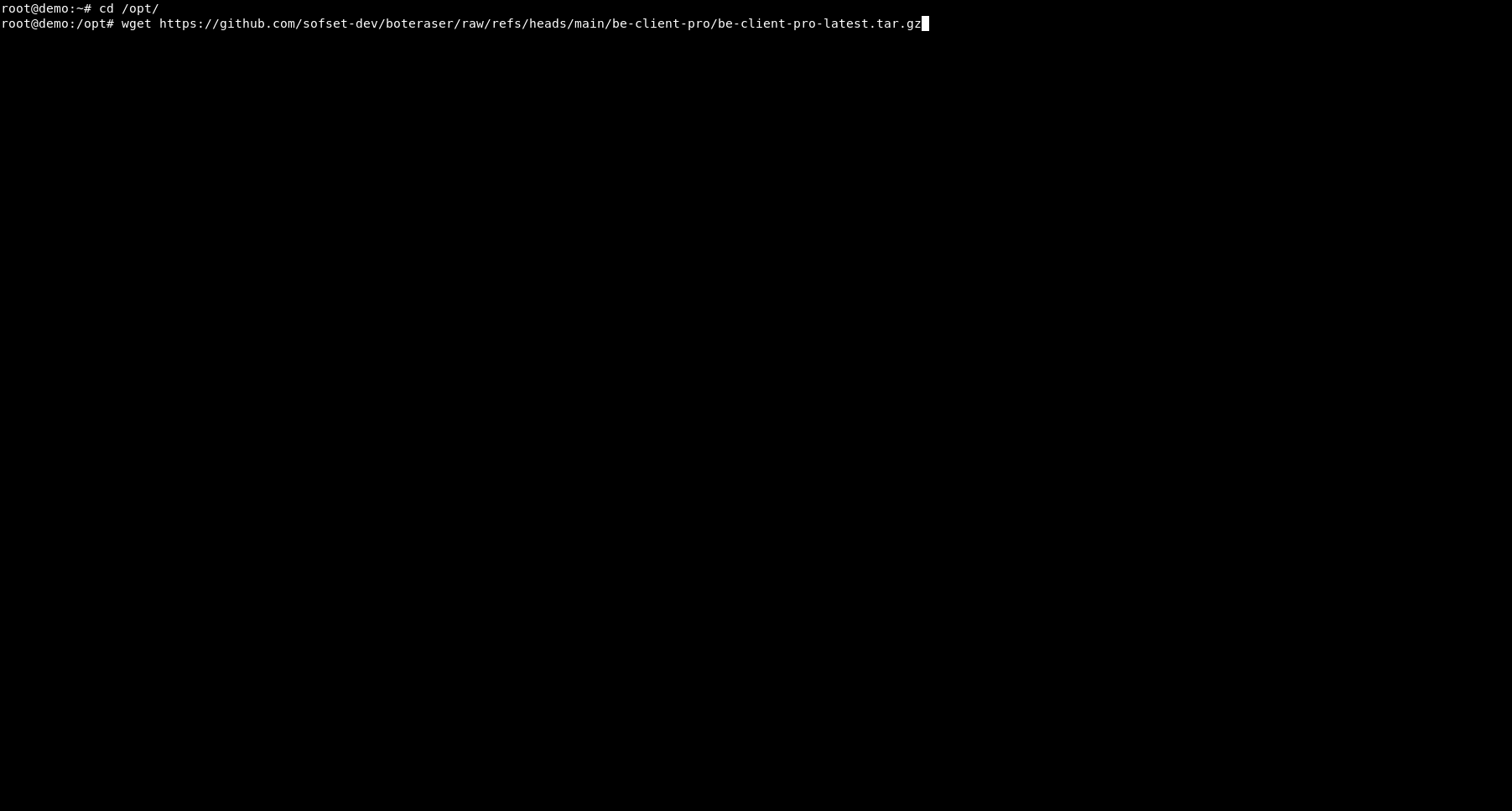
Download be-client-pro-latest.tar.gz to your preferred location (recommended: /opt):
cd /opt
wget https://github.com/sofset-dev/boteraser/raw/refs/heads/main/be-client-pro/be-client-pro-latest.tar.gz
Extract the archive and enter the directory:
tar -xzvf be-client-pro-latest.tar.gz
cd boteraser-pro
This creates /opt/boteraser-pro containing be-client-pro, be-pro.conf and be-client-pro.service.
Edit the configuration file. Open be-pro.conf with a text editor:
nano be-pro.conf
or
vi be-pro.conf
In be-pro.conf, enter:
CONSENT_ACCEPTED=”yes” – required; the software will not start until this is set to “yes”
Your API KEY – you can get it at: https://user.boteraser.com/api.php
Set INTERFACE=”auto” to use the first detected interface, “any” for all interfaces except loopback, or specify one directly (e.g., eth0). Example:
CONSENT_ACCEPTED=”yes”
API_KEY_PRO=”<YOUR API KEY>”
INTERFACE=”auto”
Save and exit
Install the bundled systemd service file (it is included in the package and already contains the correct settings):
cp be-client-pro.service /etc/systemd/system/
systemctl daemon-reload
If you extracted the files somewhere other than /opt/boteraser-pro, edit the WorkingDirectory and ExecStart paths in /etc/systemd/system/be-client-pro.service to match your location.
Enable and start the service (it will also start automatically on boot):
systemctl enable –now be-client-pro
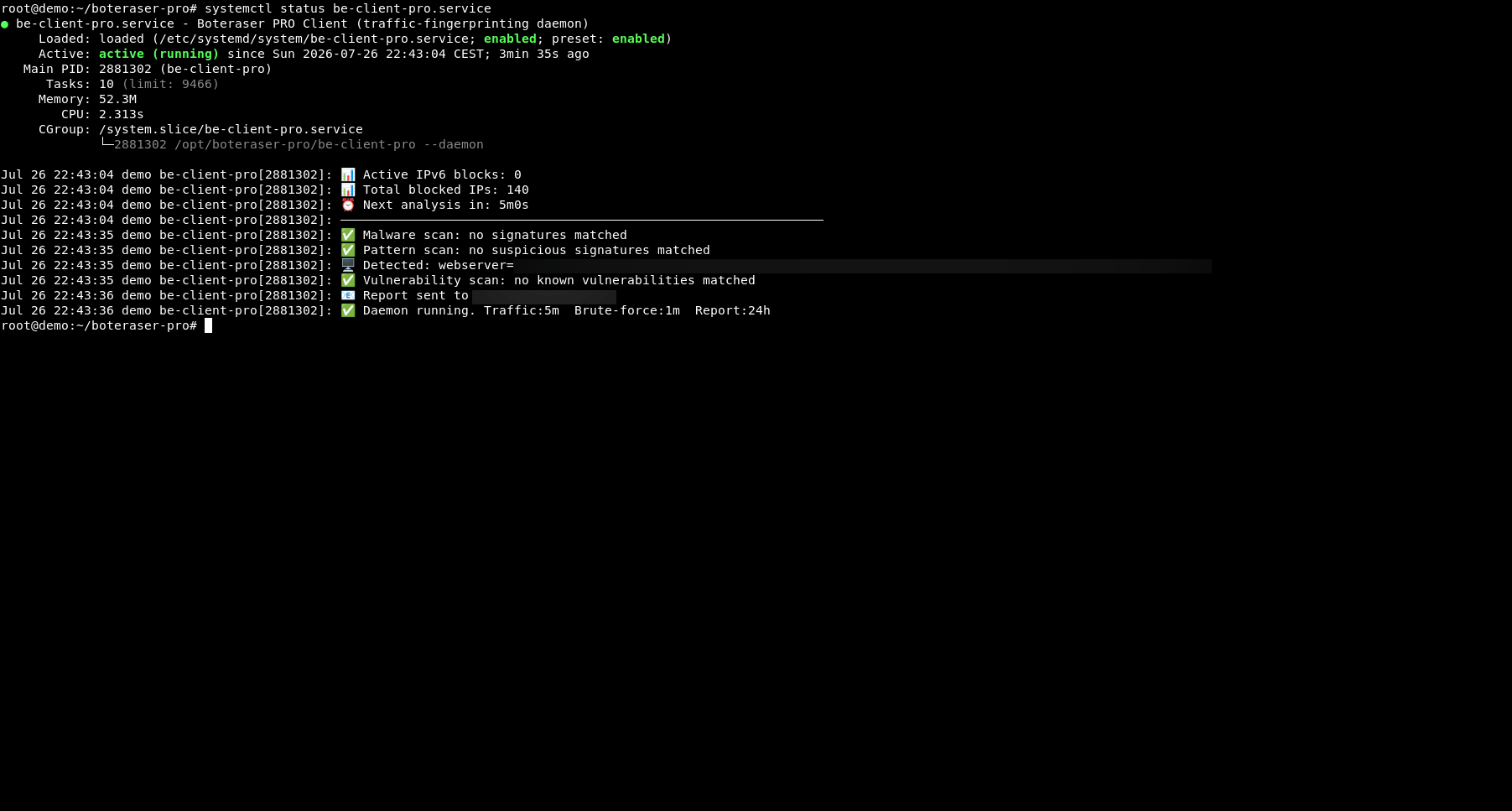
Check the service status and view logs:
systemctl status be-client-pro
journalctl -u be-client-pro -f
✅ That’s it! BE-Client PRO now runs continuously as a background daemon, monitoring your server’s network traffic and automatically blocking unwanted IPs at the firewall level.
DISCLAIMER: This is powerful security software that runs with elevated privileges and modifies your system. It is provided “AS-IS” and “AS-AVAILABLE” without warranty of any kind, express or implied, including but not limited to the warranties of merchantability, fitness for a particular purpose, or non-infringement. Your use of the software is at your own risk. By downloading, installing or using this software, you agree to our Terms of Service and Privacy Policy.
Download be-client-pro-latest.tar.gz to your preferred location (recommended: /opt):
cd /opt
wget https://github.com/
Extract the archive and enter the directory:
tar -xzvf be-client-pro-latest.tar.gz
cd boteraser-pro
This creates /opt/boteraser-pro containing be-client-pro, be-pro.conf and be-client-pro.service.
Edit the configuration file. Open be-pro.conf with a text editor:
nano be-pro.conf
or
vi be-pro.conf
In be-pro.conf, enter:
CONSENT_ACCEPTED=”yes” – required; the software will not start until this is set to “yes”
Your API KEY – you can get it at: https://user.boteraser.com/api.php
Set INTERFACE=”auto” to use the first detected interface, “any” for all interfaces except loopback, or specify one directly (e.g., eth0). Example:
CONSENT_ACCEPTED=”yes”
API_KEY_PRO=”<YOUR API KEY>”
INTERFACE=”auto”
Save and exit
Install the bundled systemd service file (it is included in the package and already contains the correct settings):
cp be-client-pro.service /etc/
systemctl daemon-reload
If you extracted the files somewhere other than /opt/boteraser-pro, edit the WorkingDirectory and ExecStart paths in /etc/systemd/system/be-client-pro.service to match your location.
Enable and start the service (it will also start automatically on boot):
systemctl enable –now be-client-pro
Check the service status and view logs:
systemctl status be-client-pro
journalctl -u be-client-pro -f
✅ That’s it! BE-Client PRO now runs continuously as a background daemon, monitoring your server’s network traffic and automatically blocking unwanted IPs at the firewall level.
Bot Detection at Work
From installation to live traffic analysis, a practical view of how BotEraser identifies bots, scrapers and blacklisted IPs.