BE-Client — Server-Side Bot Protection
BE-Client — Server-Side Bot Protection: lightweight software that runs as a background service (daemon) and continuously analyses your access log, designed to help block bots, scrapers and blacklisted IPs.

Boteraser Manual Install
This is a quick manual on how to install and configure the Boteraser client on your server. You must run these steps as the root user.
DISCLAIMER: This is powerful security software that runs with elevated privileges and modifies your system. It is provided “AS-IS” and “AS-AVAILABLE” without warranty of any kind, express or implied, including but not limited to the warranties of merchantability, fitness for a particular purpose, or non-infringement. Your use of the software is at your own risk. By downloading, installing or using this software, you agree to our Terms of Service and Privacy Policy.
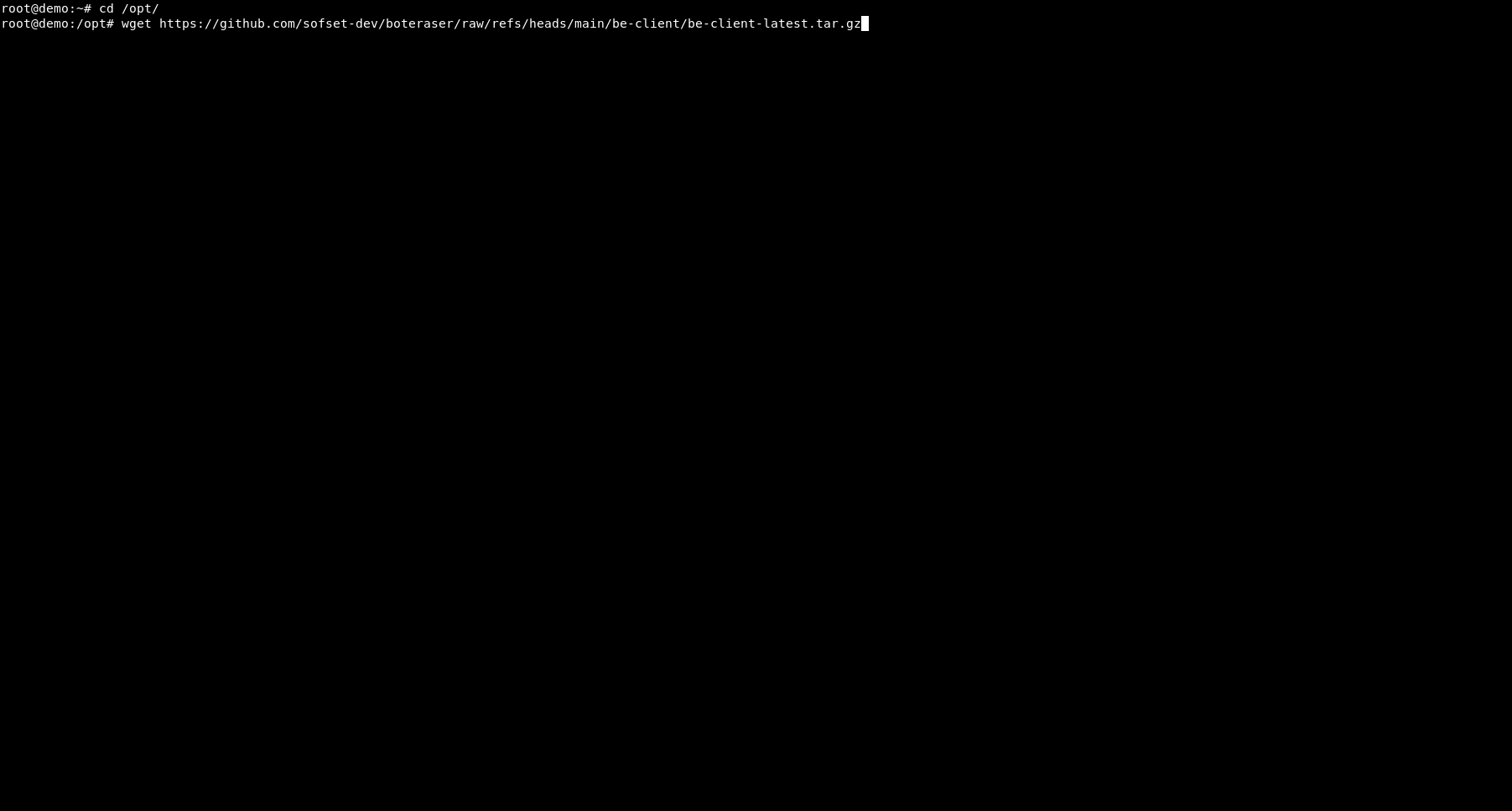
Download be-client-latest.tar.gz to your preferred location (recommended: /opt):
cd /opt
wget https://github.com/sofset-dev/boteraser/raw/refs/heads/main/be-client/be-client-latest.tar.gz
Extract the archive and enter the directory:
tar -xzvf be-client-latest.tar.gz
cd boteraser
This creates /opt/boteraser containing be-client, be.conf and be-client.service.
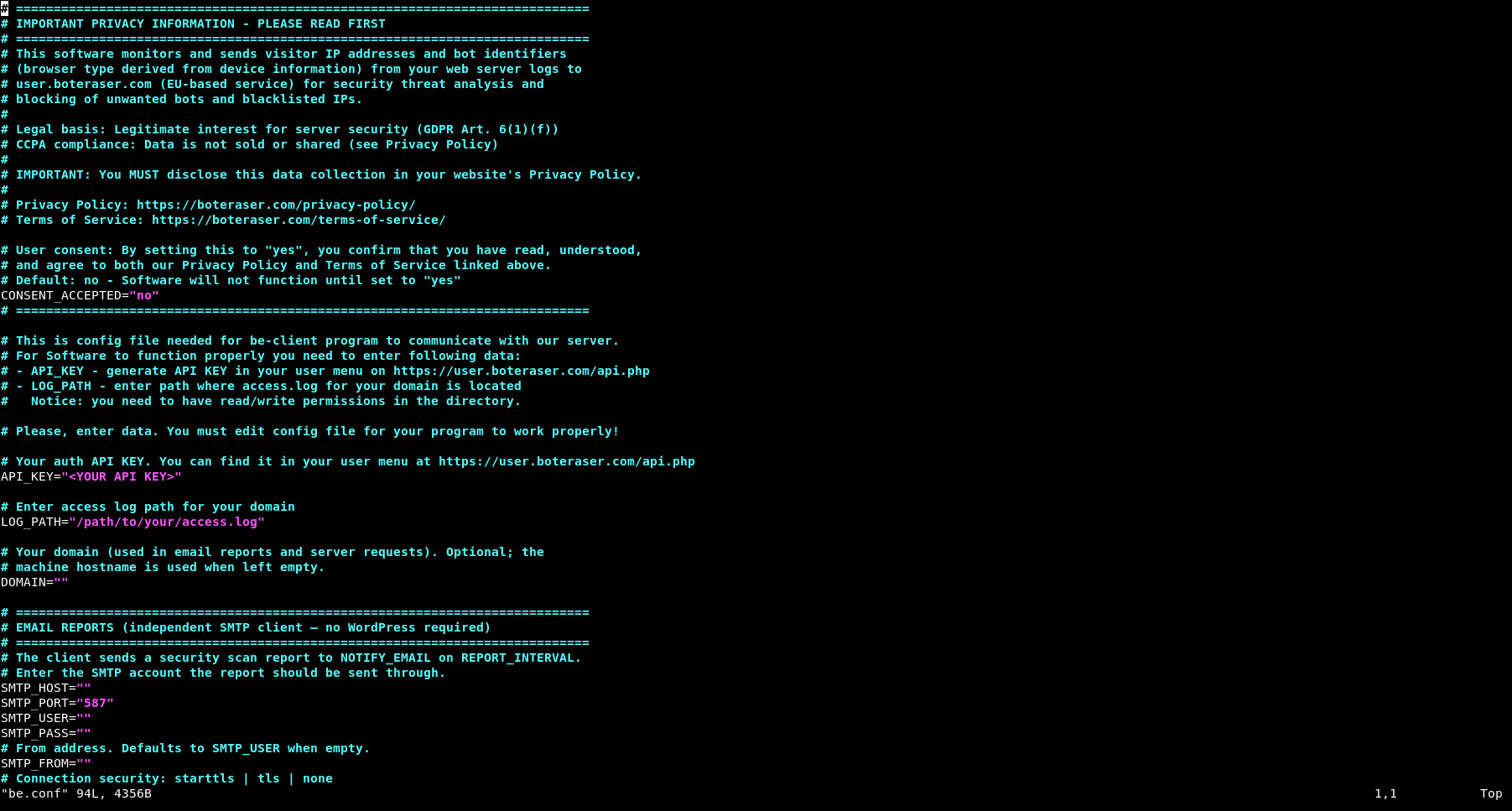
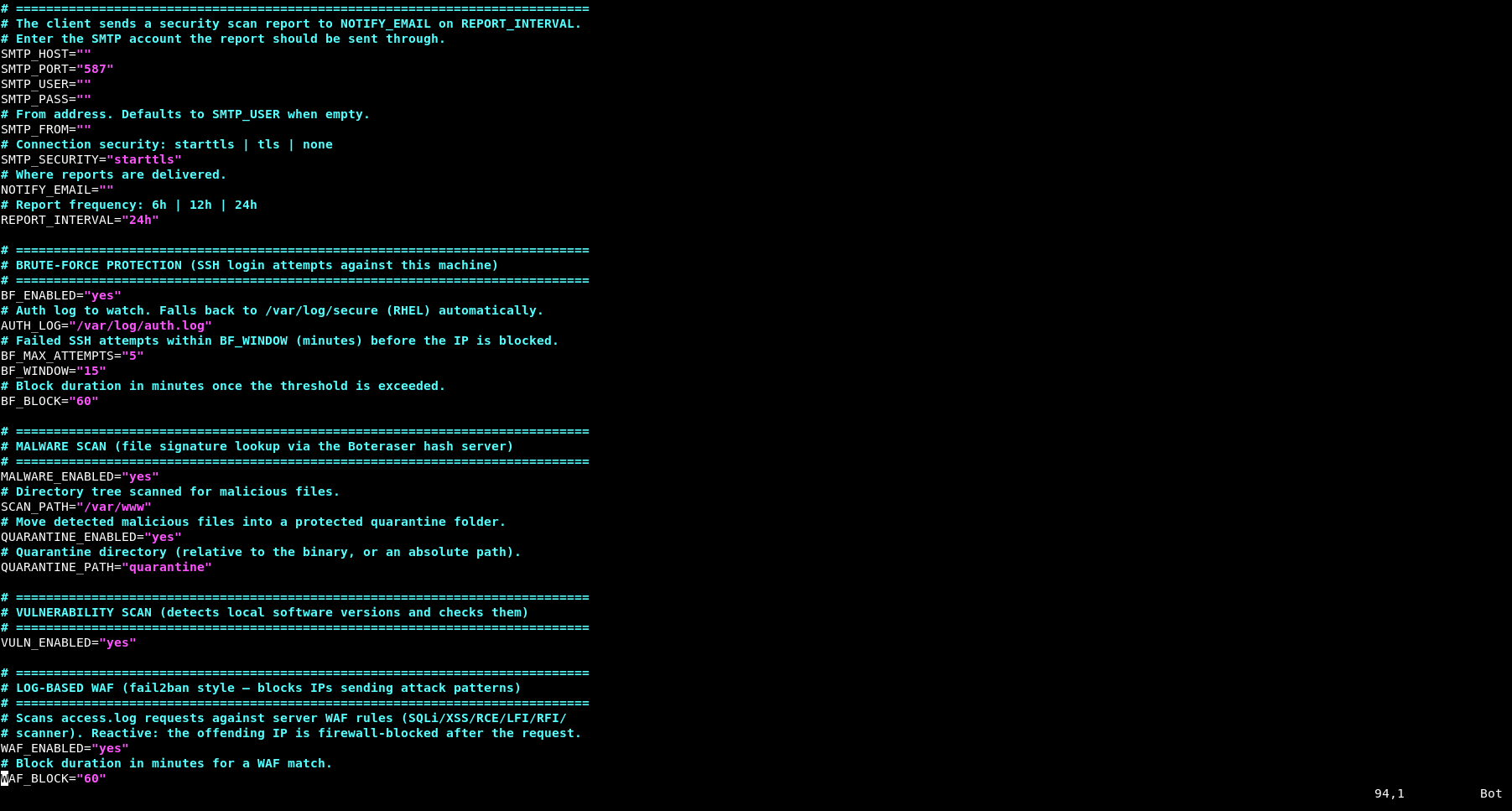
Edit the configuration file. Open be.conf with a text editor:
nano be.conf
or
vi be.conf
In be.conf, enter:
CONSENT_ACCEPTED=”yes” – required; the client will not start until this is set to “yes”
Your API KEY – you can get it at: https://user.boteraser.com/api.php
The full path to the access.log of the domain you want to protect
Example:
CONSENT_ACCEPTED=”yes”
API_KEY=”<YOUR API KEY>”
LOG_PATH=”/var/log/nginx/access.log”
Save and exit.
Install the systemd service:
sudo cp /opt/boteraser/be-client.service /etc/systemd/system/
sudo systemctl daemon-reload
If you extracted the files somewhere other than /opt/boteraser, edit the WorkingDirectory and ExecStart paths in /etc/systemd/system/be-client.service to match your location.
Start it and enable it on boot:
sudo systemctl enable –now be-client
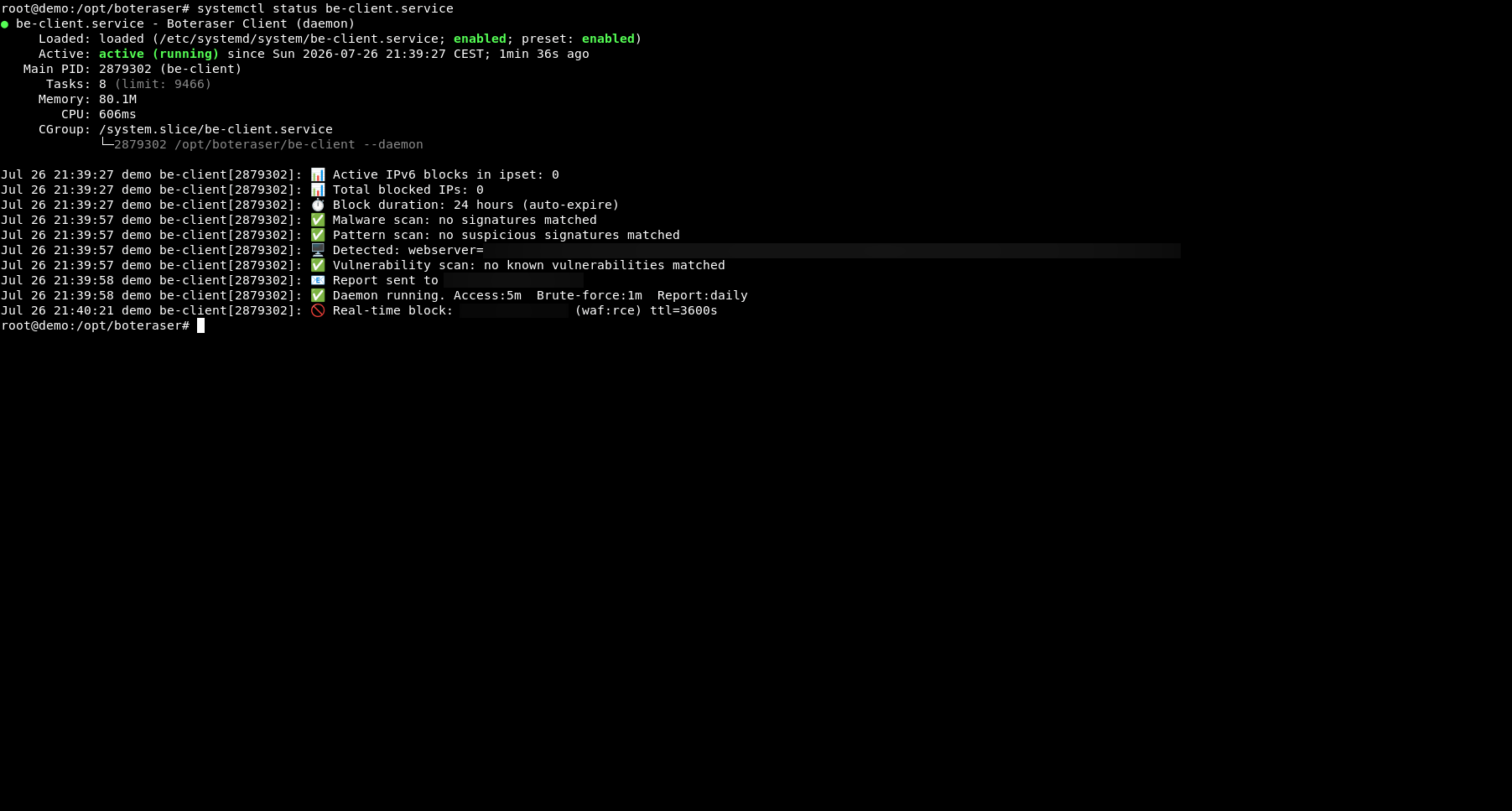
Verify it is running:
sudo systemctl status be-client
sudo journalctl -u be-client -f
✅ That’s it! BE-Client now runs continuously in the background and protects your server automatically.
DISCLAIMER: This is powerful security software that runs with elevated privileges and modifies your system. It is provided “AS-IS” and “AS-AVAILABLE” without warranty of any kind, express or implied, including but not limited to the warranties of merchantability, fitness for a particular purpose, or non-infringement. Your use of the software is at your own risk. By downloading, installing or using this software, you agree to our Terms of Service and Privacy Policy.
Download be-client-latest.tar.gz to your preferred location (recommended: /opt):
cd /opt
wget https://github.com/
Extract the archive and enter the directory:
tar -xzvf be-client-latest.tar.gz
cd boteraser
This creates /opt/boteraser containing be-client, be.conf and be-client.service.
Edit the configuration file. Open be.conf with a text editor:
nano be.conf
or
vi be.conf
In be.conf, enter:
CONSENT_ACCEPTED=”yes” – required; the client will not start until this is set to “yes”
Your API KEY – you can get it at: https://user.boteraser.com/api.php
The full path to the access.log of the domain you want to protect
Example:
CONSENT_ACCEPTED=”yes”
API_KEY=”<YOUR API KEY>”
LOG_PATH=”
Save and exit.
Install the systemd service:
sudo cp /opt/
sudo systemctl daemon-reload
If you extracted the files somewhere other than /opt/boteraser, edit the WorkingDirectory and ExecStart paths in /etc/systemd/system/be-client.service to match your location.
Start it and enable it on boot:
sudo systemctl enable –now be-client
Verify it is running:
sudo systemctl status be-client
sudo journalctl -u be-client -f
✅ That’s it! BE-Client now runs continuously in the background and protects your server automatically.
Bot Protection, Up Close
Bots, scrapers and blacklisted IPs — an inside view of how Boteraser spots them across WordPress sites, VPS and dedicated servers.